Ship from anywhere.
Sell across Algeria.

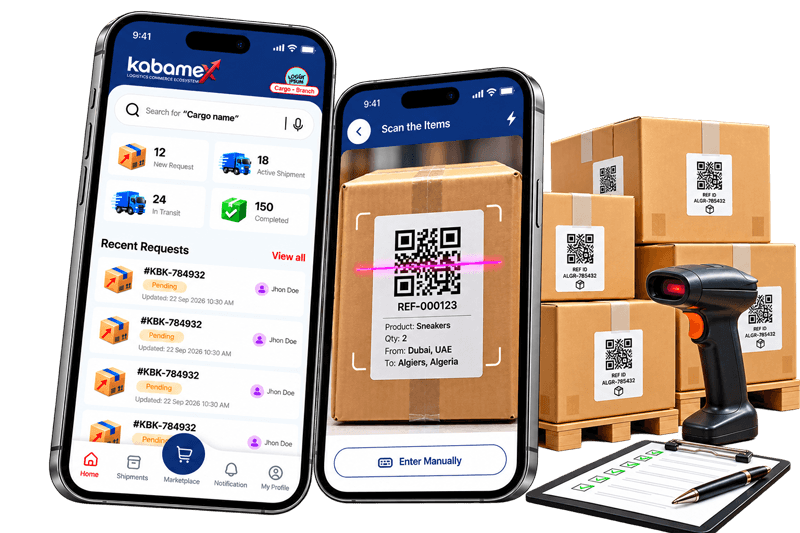
Kabamex puts merchants, cargo offices, transporters and customers on one app, so every package is scanned, tracked and delivered with confidence.

QR verified at every handoff
4 roles, one platform
DA prices for Algerian buyers
9:41Update Delivery Status
📦
DLV-001#KBK-784932 · 200 items
Assigned
  1. AssignedCargo branch creates the delivery
  2. Collected from CargoTransporter scans all 200 items
  3. In TransitOn the way to Algeria
  4. Arrived at WarehouseAlgiers cargo hub
  5. CompletedWarehouse verifies every QR

Pick your role, get your own workspace

Everyone in the chain sees only what they need to do their part.

Sell products to Algeria

List products with variants and stock, send shipments to a cargo branch, and follow them until they land.

  • Product catalogue with variants and item counts
  • Shipments with live status and value in AED
  • Customers reach you directly on WhatsApp
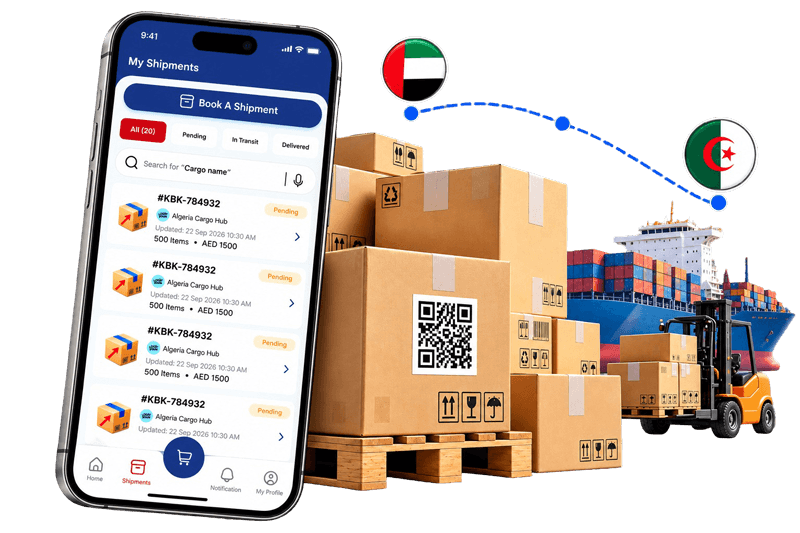
Manage shipments and cargo hubs

Branch and warehouse accounts work together: the branch organises shipments, the warehouse receives them.

  • Branch: accept or reject requests, split a shipment into deliveries and assign a transporter ID
  • Warehouse: see today's expected and arriving deliveries, scan each item, then confirm receipt
  • Per-item QR labels with reference IDs

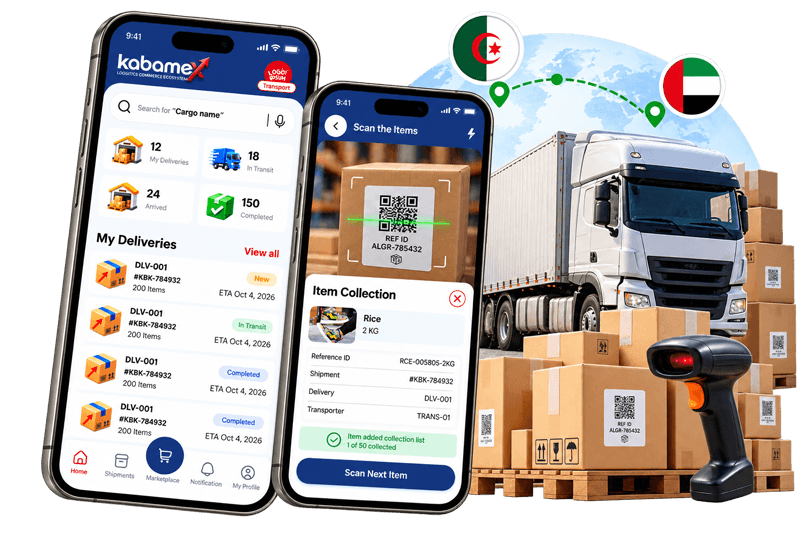
Move packages internationally

Whether you run a company or work as a traditional transporter, register in minutes and start taking deliveries.

  • Accept or reject new deliveries, with value and item list upfront
  • Scan and collect item by item, with a progress bar
  • Update status from collected to in transit to arrived
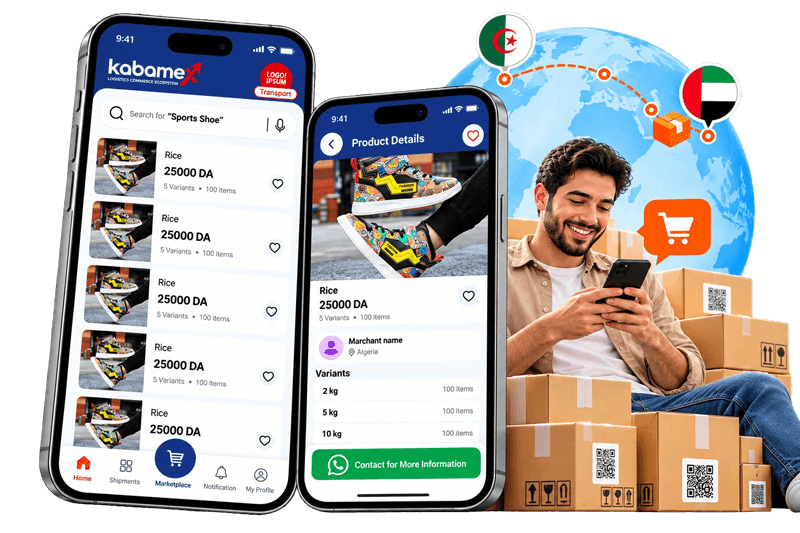
Explore the marketplace

Browse products shipped to Algeria, compare variants and save favourites.

  • Search with text or voice
  • Wishlist and featured products
  • One tap to contact the merchant on WhatsApp
  • Notifications when your package is in transit or has arrived
One package, five handoffs

Each step is confirmed in the app, so nobody has to ask where the goods are.

1

Merchant ships

Creates a shipment with item types and values.

2

Branch accepts

Splits it into deliveries and assigns a transporter.

3

Transporter collects

Scans every QR label and marks it in transit.

4

Warehouse verifies

Scans again on arrival, 200 of 200 or it flags.

5

Customer buys

Finds the product and contacts the merchant.

Built for the loading dock, not just the desk

Large buttons, clear statuses and a scanner that works on a box label, with manual entry when a label is damaged.

QR scan and verify

Every item has a reference ID. Scan to collect, scan again to receive.

Live status

Arriving, in transit, received, completed. Same words for everyone.

Notifications

Shipment created, in transit, arrived at the Algiers hub.

Secure sign-in

Mobile OTP, email and password, or Google and Apple.

Ratings

Cargo offices and transporters carry public ratings.

24/7 support

Chat, email or call from inside the app.

Questions

Merchants, cargo offices (branch and warehouse), transporters (entrepreneur or traditional) and customers. Choose your role when you sign up.

Yes. Transport and cargo accounts upload a transport licence during registration.

Open the product, pick a variant and tap "Contact for More Information" to chat with the merchant on WhatsApp.

Choose "Enter Manually" in the scanner and type the item's reference ID.

Ready to move your first shipment?

Download Kabamex and choose the role that fits you.